orm-e-commerce-back-end
ORM-E-Commerce-Back-End
Description
As a web developer, it’s important that I understand how API routes work on the back end of a project when it comes to creating, reading, updating, and deleting data. Since E-commerce is a rather huge industry, I figured that I would showcase my understanding of back-end API routes by putting together an E-commerce back-end that does exactly that.
Installation
To access the E-Commerce Back-End, you’ll need to clone the repo at the link below:
https://github.com/jmcmillenmusic/orm-e-commerce-back-end
You’ll need to make sure that you also have DotENV, Sequelize, the MySQL Node package, and Express by running the following commands in the terminal:
npm i dotenv
npm i sequelize
npm i mysql
npm i express
Then, you’ll need to initialize all of these using the following command in the terminal:
npm init
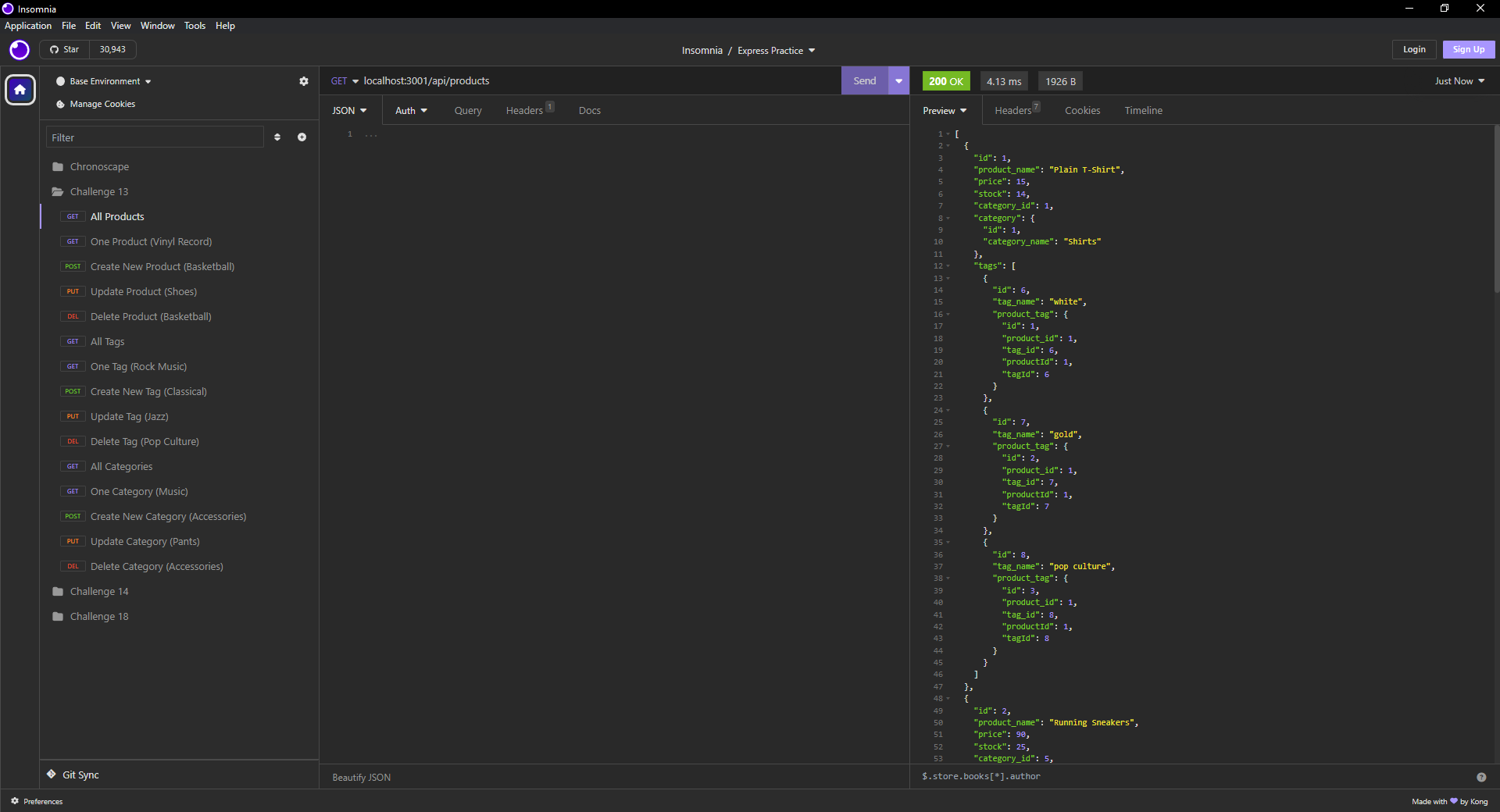
You’ll need to access a back-end routing program like Insomnia to test the routes, which you can get at https://insomnia.rest/.
Usage
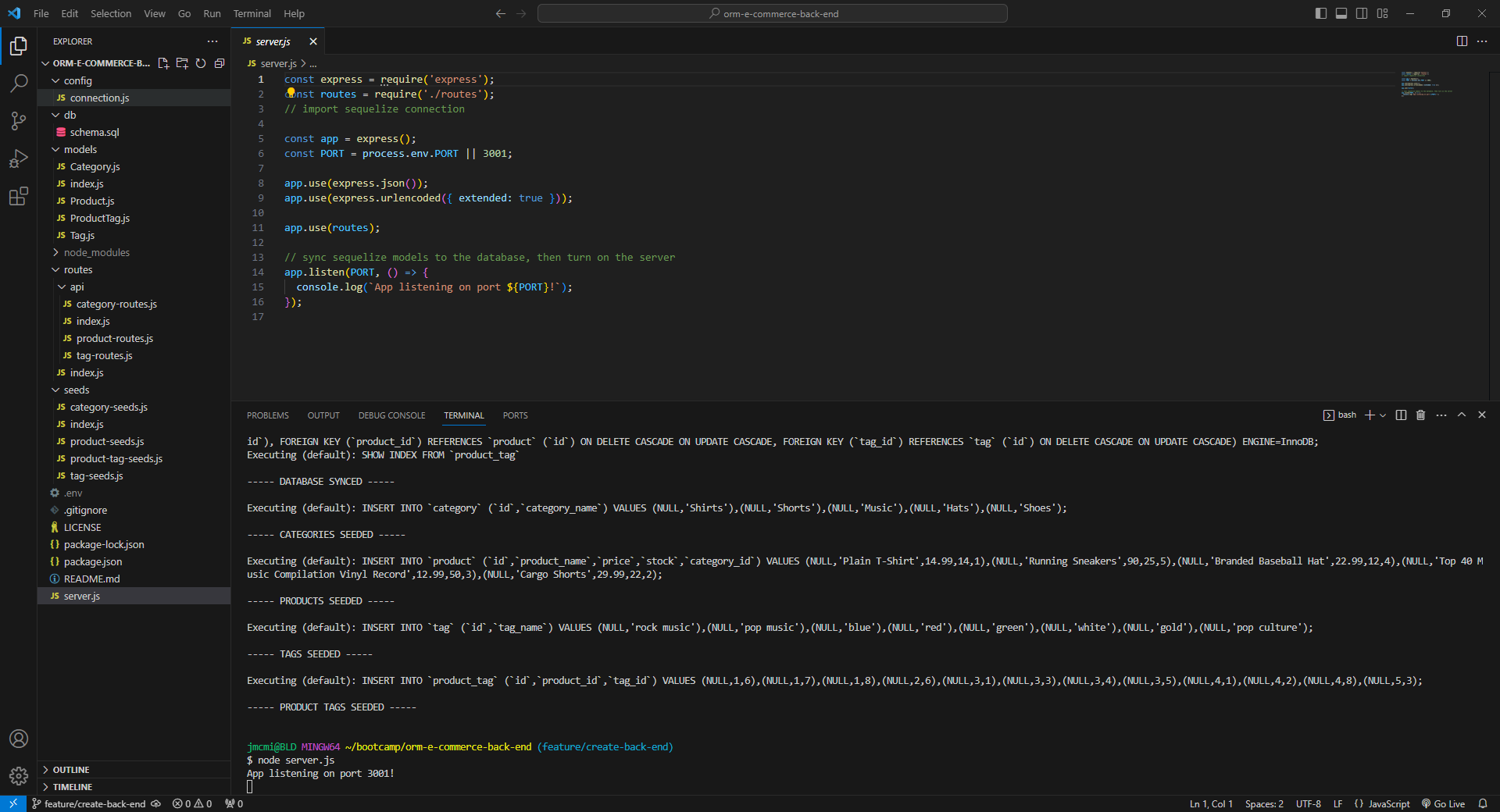
To access the database and manipulate its data, open the terminal from server.js and run the following command in the terminal:
mysql -u root -p
Once you enter your password, you’ll be logged in.
Run this command in the terminal to set up the database:
SOURCE db/schema.sql;
Then, type quit to close MySQL.
Then, run this command in the terminal to seed the database:
node seeds/index.js
Then, run this command to start the server:
node server.js
From there, you can run your routes in Insomnia in order to see all of the Create, Read, Update, and Delete functions.
You can watch this video to see the E-commerce back-end in action:
https://drive.google.com/file/d/1bMyKwr81L5aw-iZ_WQa4Se1jPRnwy48R/view
Credits
N/A
License
This project uses the MIT License.